

 Безкоштовна доставка тисяч товарів
 100% безпечні онлайн-платежі
 Для повернення товару 30 днів
Windows
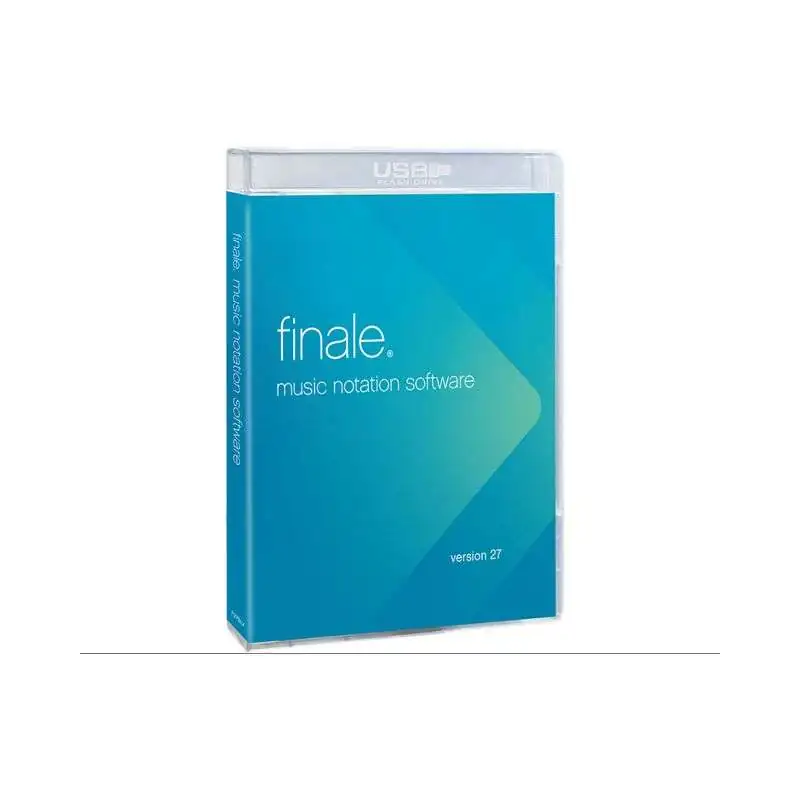
Anyone who wants to create scores and produce music professionally and intuitively will quickly appreciate the Finale v27 software solution from Makemusic! The 27th version is bursting with features and offers several new features and updates that improve the workflow and help you compose music. Whether you're a professional or a beginner, you can produce music without compromise and benefit from a high level of control and flexibility, so that your ideas are quickly implemented.
Getting started in the world of Finale is made especially easy, so beginners can quickly find their way around. With various video tutorials, you can quickly get useful tips on setting up new scores, changing music fonts, and more.
Do you prefer to compose via MIDI keyboard or draw in your notes with the computer mouse or keyboard? Both are naturally no problem and a standard feature of Finale! Of course, importing MIDI or MusicXML files is also possible.
If you've ever entered a score in the music program (e.g. lyrics, guitar tabs, chord symbols, etc.), you've probably noticed how tedious the work is. Finale offers a solution to this and works with automations as well as an innovative workflow to make your work much easier. Legato slurs/articulations, for example, are intelligently and automatically adapted to the conditions of the notation. Professional percussion notations can be easily created without prior knowledge and without having to worry about whether they are displayed correctly to the drummer. Even the translation of a chorale into Korean is possible thanks to the Unicode support.
Finale's sophisticated tools keep every step simple to get you where you want to go faster. Whether it's selection tools, multi-page editing, cut, copy & paste, or management, search and replace, Finale is fully equipped to handle whatever you feed it.
Also on board is a wide range of virtual instruments as well as innovative tools and functions that will make your ideas sound alive right away. The integration of external sound libraries is also possible, and simply remain even more flexible. The following playlist gives you a taste of the Garritan sounds included in the package.
While some of the features mentioned were already present in previous versions and only rudimentarily show what Finale is capable of, more useful features are coming with v27. Here is a brief overview
Finale v27 lets you quickly and easily share your notes with friends and clients. Without leaving the application, you can now upload documents and share them provatly or publicly. Recipients of the sheet music don't need Finale, but still get rich features for listening, practicing, editing and printing your sheet music - easily in the web browser on Mac, Windows PC, Chromebook or iPad!
Thanks to the Standard Music Font Layout, musical symbols can be organized in a consistent arrangement so that music fonts display correctly in any notation application that supports it. As if that wasn't enough, updated SMuFL-compatible versions of the MakeMusic fonts have been added for Finale to ensure maximum compatibility. The following figure gives you a first impression and shows only a small selection of the more than 2700 symbols included in the new SMuFL-compatible Finale Maestro font.
No matter which instruments you have chosen: the revised instrument list ensures that the notation looks good and professional right from the start - and that you hear the right sounds when playing a document! Furthermore, the list of instruments has been extended when starting a new document or editing an existing one. The developers took customer feedback to heart and also added frequently requested instruments such as accordion in simple treble clef notation and low brass instruments in Swiss notation.
In addition, much attention has been deliberately paid to the diverse world of percussion: approximately 150 new and revised layouts in all document styles and templates mean that every instrument selected in the Document Wizard starts with a layout that contains the correct noteheads in a logical place on the staff and plays with an appropriate sound.
The standard exchange format for music notation applications (MusicXML) is for sharing digital sheet music. With the 4.0 version, you have even more control when sharing your compositions, as now even more information than ever before can be captured in one file. This means they can be transferred between virtually any modern music software. Important information such as eg. Bending and GItar bending characters are preserved in detail, while the overall accuracy of note representation allows for fewer errors during import and export. Linked voice excerpts in compressed files are also supported in a standardized way that can be used by all applications.
The developers have invested a lot of time in improvements to make your daily work with Finale run smoothly. Even if they don't reveal ale new features they contribute to a round overall picture that helps you in your work and doesn't put any obstacles in your way. Here is a brief selection:
Характеристики